Skip to content
View in the app

A better way to browse. Learn more.

FGX Native

A full-screen app on your home screen with push notifications, badges and more.

To install this app on iOS and iPadOS
  1. Tap the Share icon in Safari
  2. Scroll the menu and tap Add to Home Screen.
  3. Tap Add in the top-right corner.
To install this app on Android
  1. Tap the 3-dot menu (⋮) in the top-right corner of the browser.
  2. Tap Add to Home screen or Install app.
  3. Confirm by tapping Install.

BauerSoftware

Active subscription
  • Joined

  • Last visited

  1. Hello Yaroslav, your FGX framework and your support is really great. It will be a pity if I can't continue. If you can send me an invoice for the next year (2023), I will send you the money. Due to tonight's events, I fear that Russian banks will soon be unconnected to SWIFT.
  2. Hi Jaroslaw, it seems that Russia may be disconnected from international payments SWIFT. In this case it will be very difficult or no longer possible for me to transfer money to your bank. Is it possible to extend now the subscription for another year and avoid this problem?
  3. Hello, how can I extend my subscription?
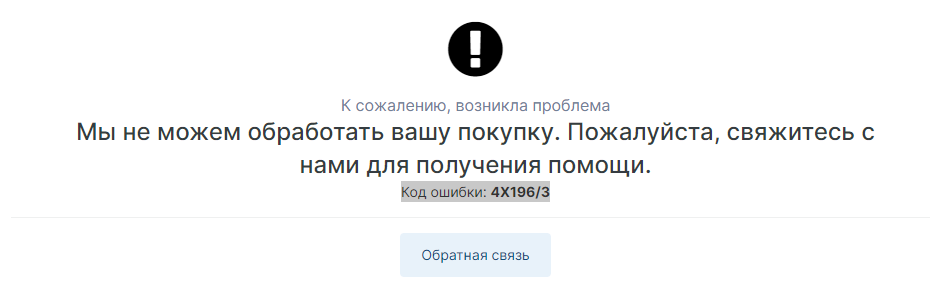
  4. I get the same error when click the payment button to extend the licence.
Account

Navigation

Search

Search

Configure browser push notifications

Chrome (Android)
  1. Tap the lock icon next to the address bar.
  2. Tap Permissions → Notifications.
  3. Adjust your preference.
Chrome (Desktop)
  1. Click the padlock icon in the address bar.
  2. Select Site settings.
  3. Find Notifications and adjust your preference.