
Skip to content
View in the app

A better way to browse. Learn more.

FGX Native

A full-screen app on your home screen with push notifications, badges and more.

To install this app on iOS and iPadOS
  1. Tap the Share icon in Safari
  2. Scroll the menu and tap Add to Home Screen.
  3. Tap Add in the top-right corner.
To install this app on Android
  1. Tap the 3-dot menu (⋮) in the top-right corner of the browser.
  2. Tap Add to Home screen or Install app.
  3. Confirm by tapping Install.

Quicksoft

Members
  • Joined

  • Last visited

Everything posted by Quicksoft

  1. Quicksoft posted a topic in English
    Hello, i dont know why you dont let us download new trial releases ?! as i see, your philosophy is to grab money by forcing developers to subscribe, let him try and they have the choice to buy or not your products.
  2. can i use Alexandria 11.1 or 11.0?
  3. Hello, i downloaded the last trial english FGX version, when i put any FGX component in the form, Delphi freez and cant responde! i have the Alexandria 11.2 version.
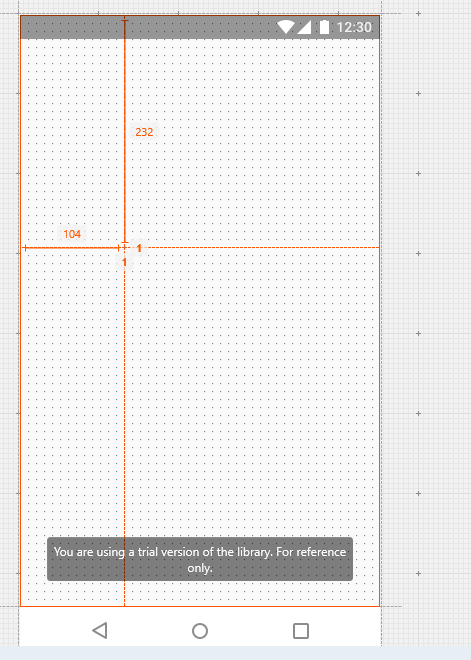
  4. hello, what component used to that form with PharmControl logo in blue? it is a frame or what?

Account

Navigation

Search

Search

Configure browser push notifications

Chrome (Android)
  1. Tap the lock icon next to the address bar.
  2. Tap Permissions → Notifications.
  3. Adjust your preference.
Chrome (Desktop)
  1. Click the padlock icon in the address bar.
  2. Select Site settings.
  3. Find Notifications and adjust your preference.