Skip to content
View in the app

A better way to browse. Learn more.

FGX Native

A full-screen app on your home screen with push notifications, badges and more.

To install this app on iOS and iPadOS
  1. Tap the Share icon in Safari
  2. Scroll the menu and tap Add to Home Screen.
  3. Tap Add in the top-right corner.
To install this app on Android
  1. Tap the 3-dot menu (⋮) in the top-right corner of the browser.
  2. Tap Add to Home screen or Install app.
  3. Confirm by tapping Install.

Muhtar

Members
  • Joined

  • Last visited

  1. Muhtar changed their profile photo
  2. Muhtar started following Yaroslav Brovin
  3. даже выкидывает на примеры {sumples}
  4. Muhtar replied to Muhtar's topic in Russian
    Все косики у меня были, иправил
  5. Muhtar posted a topic in Russian
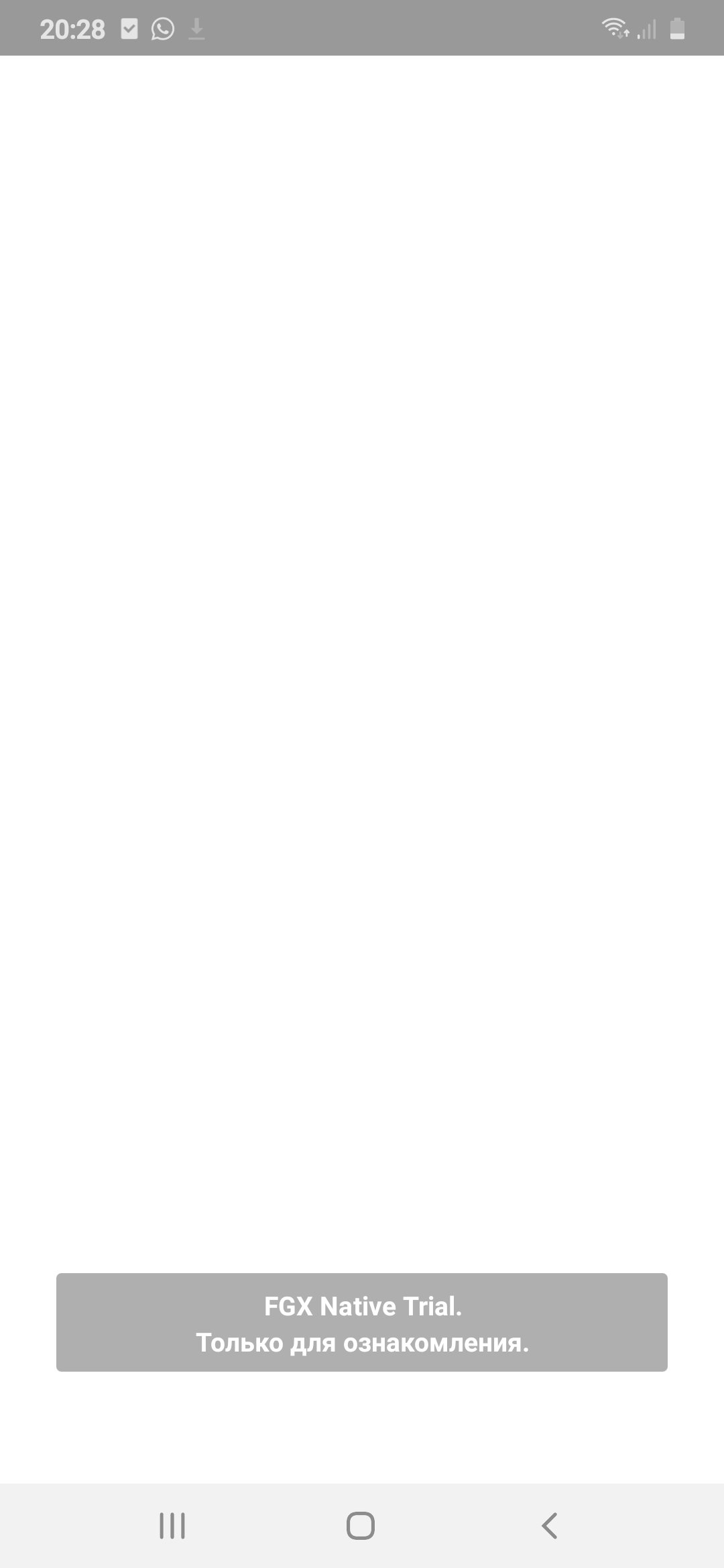
    В демо версий пустая форма, так как я добавил в форму button после компиляций пустая форма белая((
  6. А как установить её? ? там одни файлы а не .ехе
  7. Аа все; зашел с аккаунта который раньше покупал и все нормально, ща скачиваю ...
  8. После авторизаций пишет; Not Authorized, кстати у меня крякнутый Rad studio 10.2
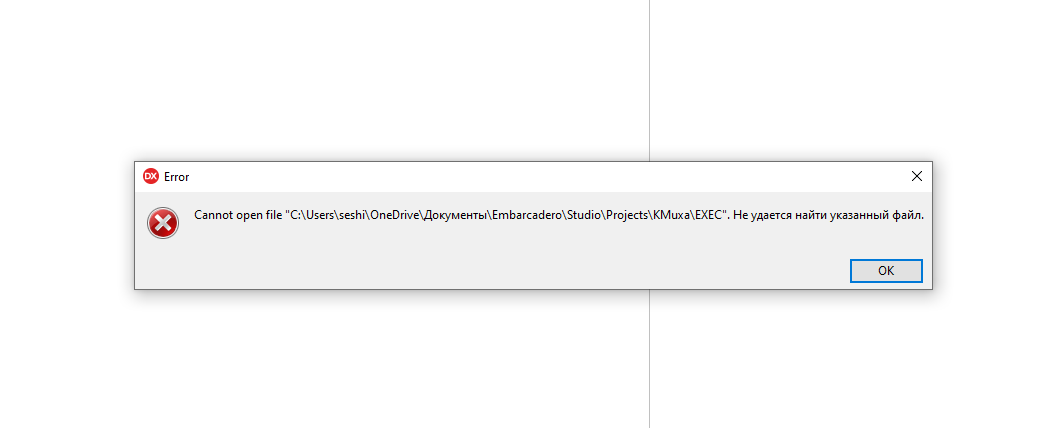
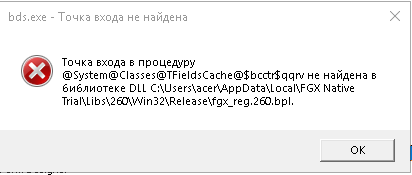
  9. Всем привет, у меня тоже проблемы с установкой, я видел тему похоже с моим, там юрий ответил но ссылка не работает? и не понял почему это вылазит

Account

Navigation

Search

Search

Configure browser push notifications

Chrome (Android)
  1. Tap the lock icon next to the address bar.
  2. Tap Permissions → Notifications.
  3. Adjust your preference.
Chrome (Desktop)
  1. Click the padlock icon in the address bar.
  2. Select Site settings.
  3. Find Notifications and adjust your preference.